User manual
The web account
Registration, sign-in, dashboard, plans, wallet, payments, history and settings — everything that happens on the website. Translating is not done here; that is the plugin's job.
Creating an account
Open the website and click Get started free or Create account.
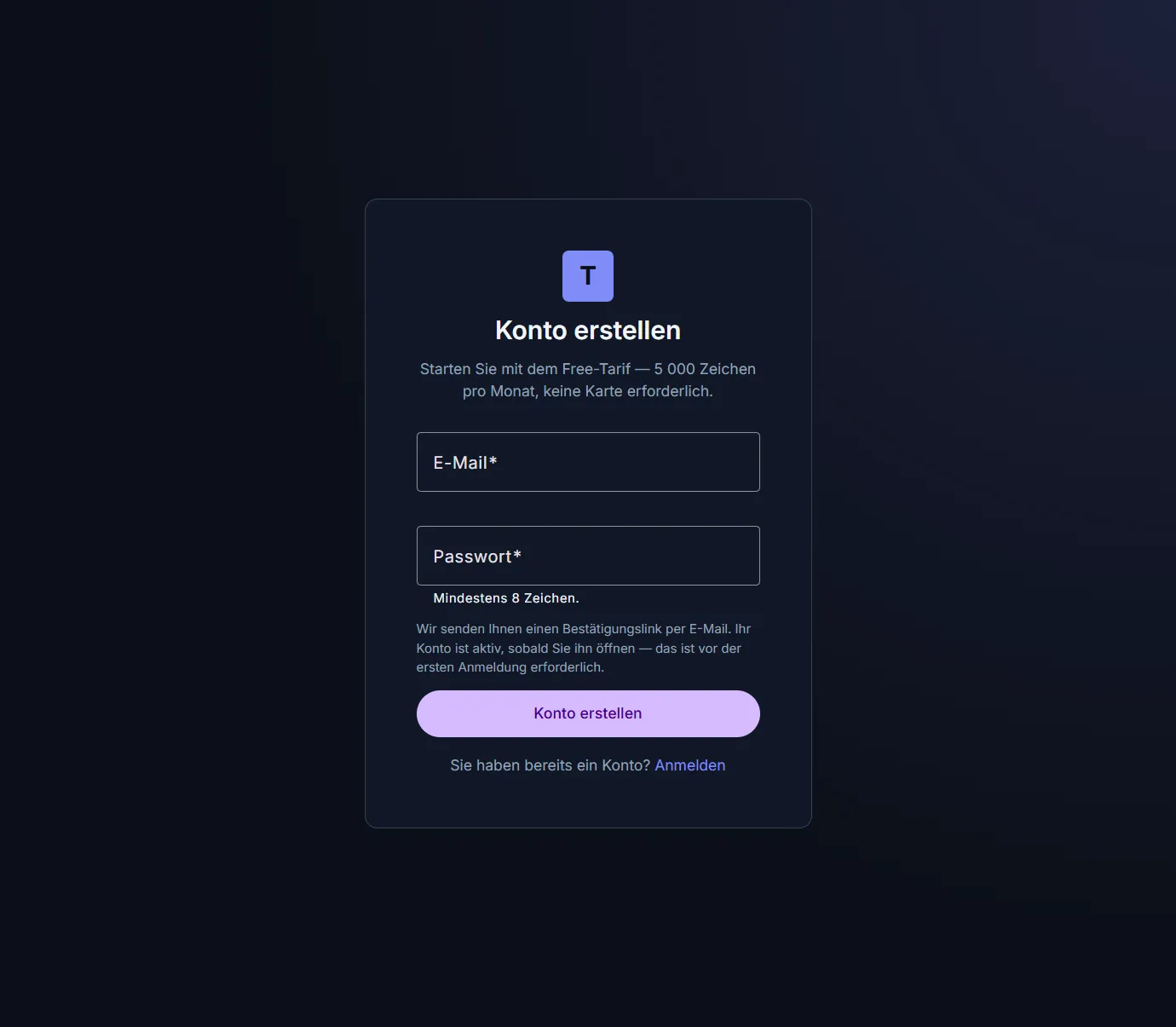
Registration with an email address and a password.
- The password must be at least 8 characters long and must not be too similar to the email address.
- Nothing else is required. Signing in works with an email address and a password only — we deliberately do not offer sign-in through third-party accounts.
Confirming your email address
After you submit the form you receive an email with a confirmation link. Only opening that link activates your account — until then you can sign in neither on the website nor in the InDesign panel.
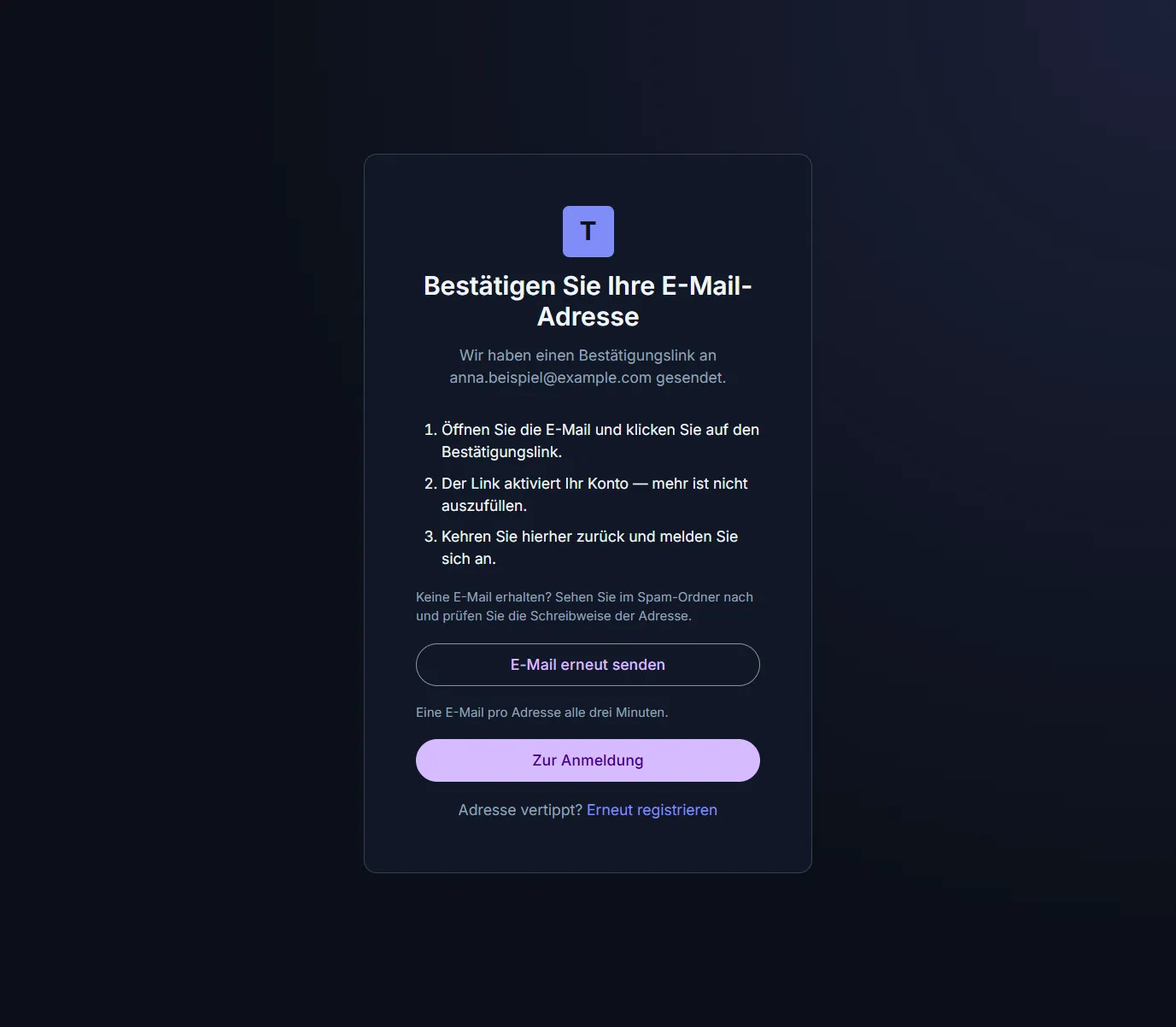
After registration: the page names the address the confirmation went to and offers to send it again.
No email?
- Check the spam folder and the spelling of the address.
- Use Resend email. As a safeguard, at most one message every three minutes is sent per address.
Signing in
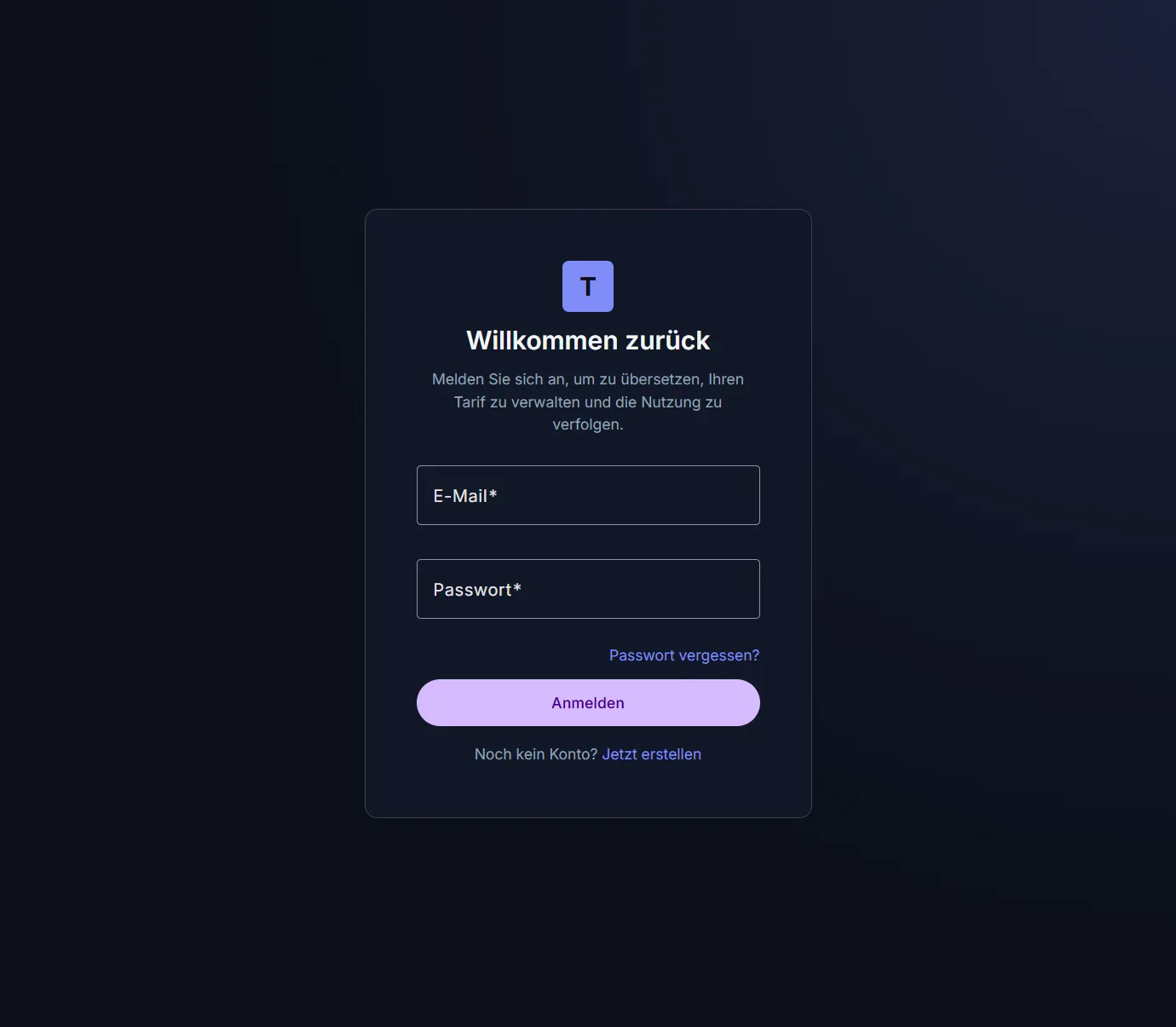
Signing in with an email address and a password.
Forgot your password? The link below the password field leads to a form that sends you a link for setting a new one.
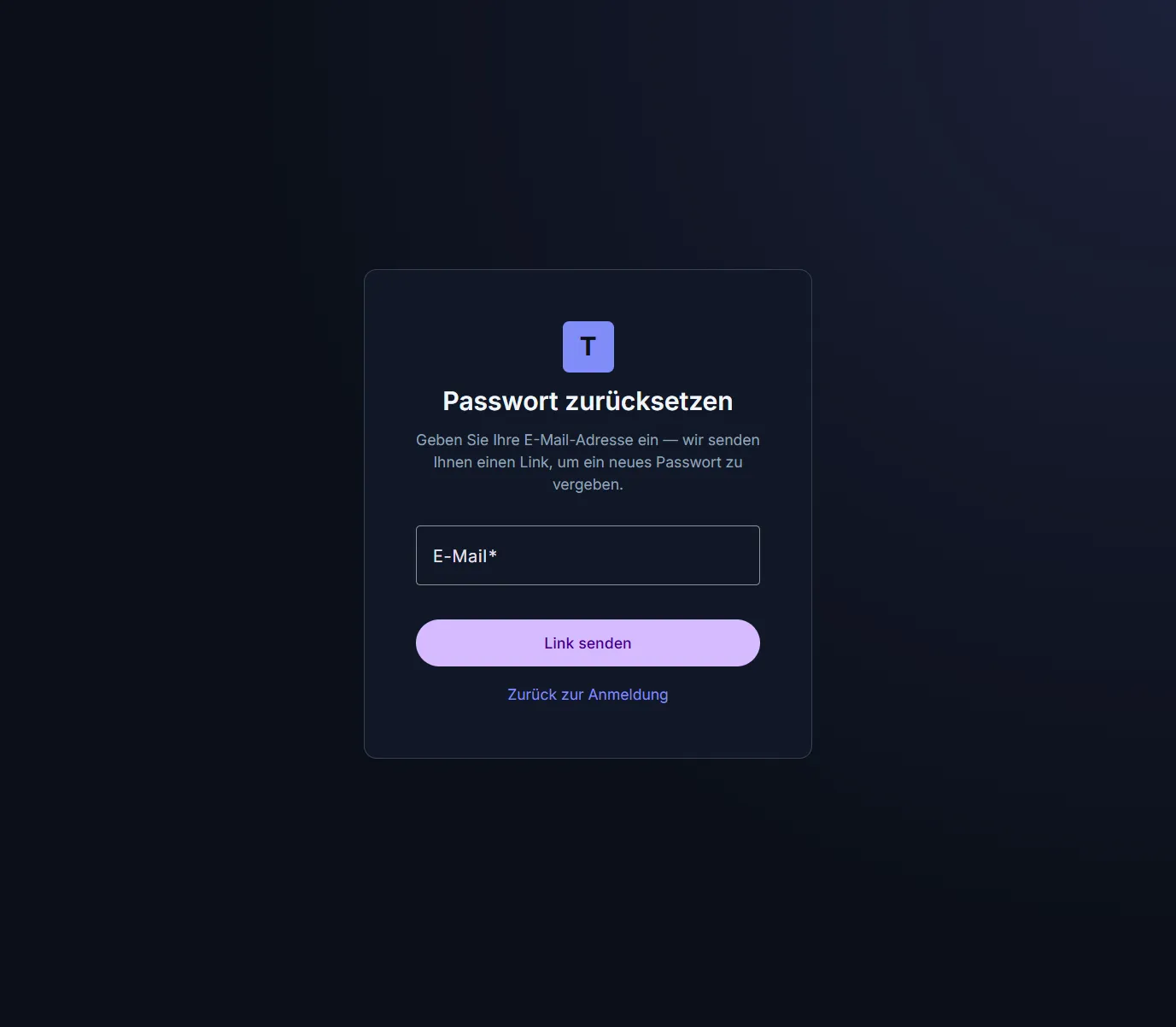
For privacy reasons the confirmation is identical whether or not the address is registered.
The link in that email can be used once and expires after a few hours. If it has expired or was already used, simply request a new one on the same page.
The dashboard
Signing in takes you to the dashboard.
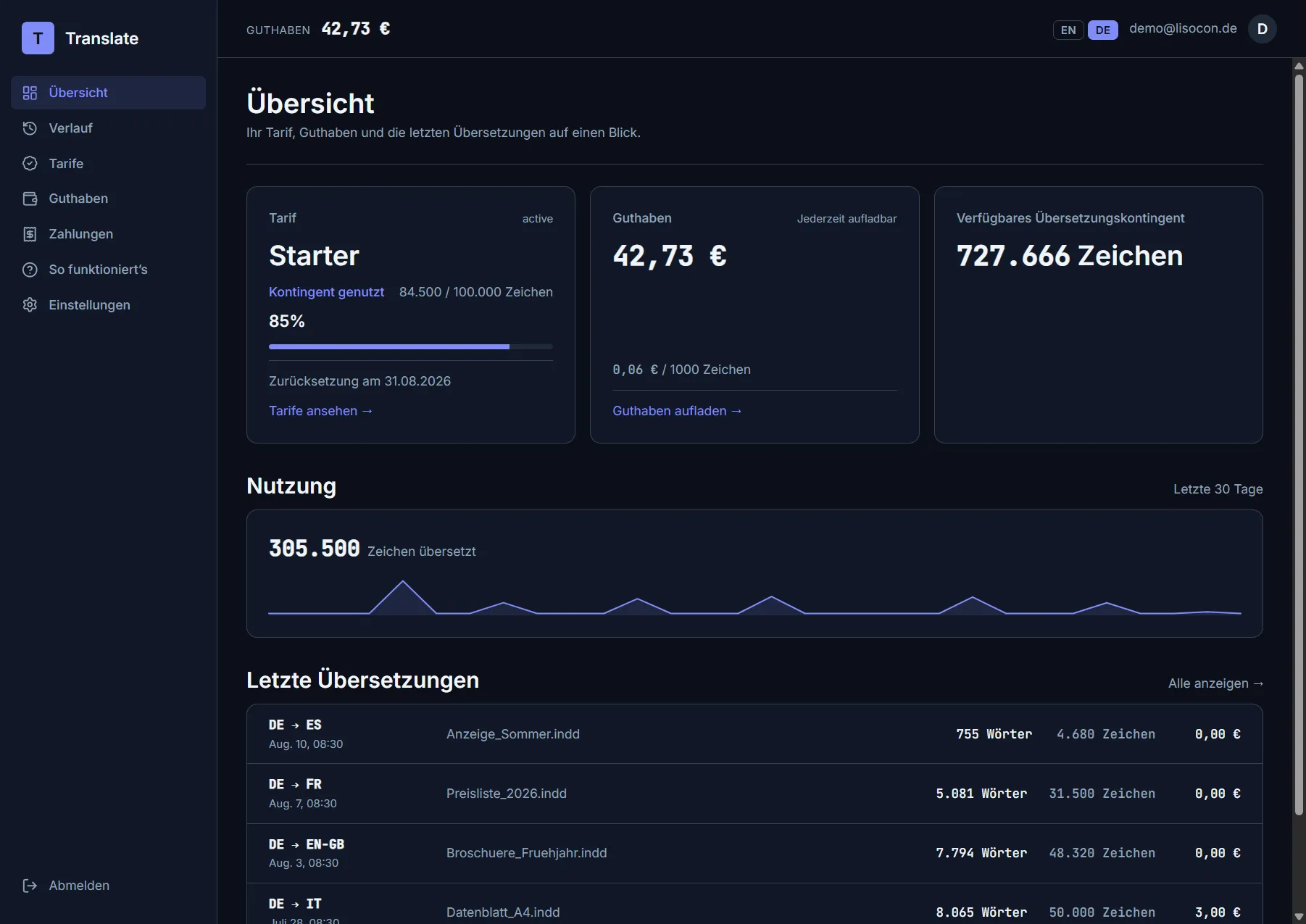
Plan, wallet, available allowance, usage and the most recent translations.
| Element | What it means |
|---|---|
| Plan | Your current plan and its status |
| Quota used | Characters used from this month’s quota, with a progress bar and the date of the next reset |
| Wallet | Your prepaid balance in euros, with the overflow rate below it |
| Available translation allowance | How many characters you can still translate in total — the remaining quota plus what your wallet covers on top |
| Usage | Characters translated over the last 30 days |
| Recent translations | The five most recent runs |
The current balance is also shown permanently in the header.
Plans
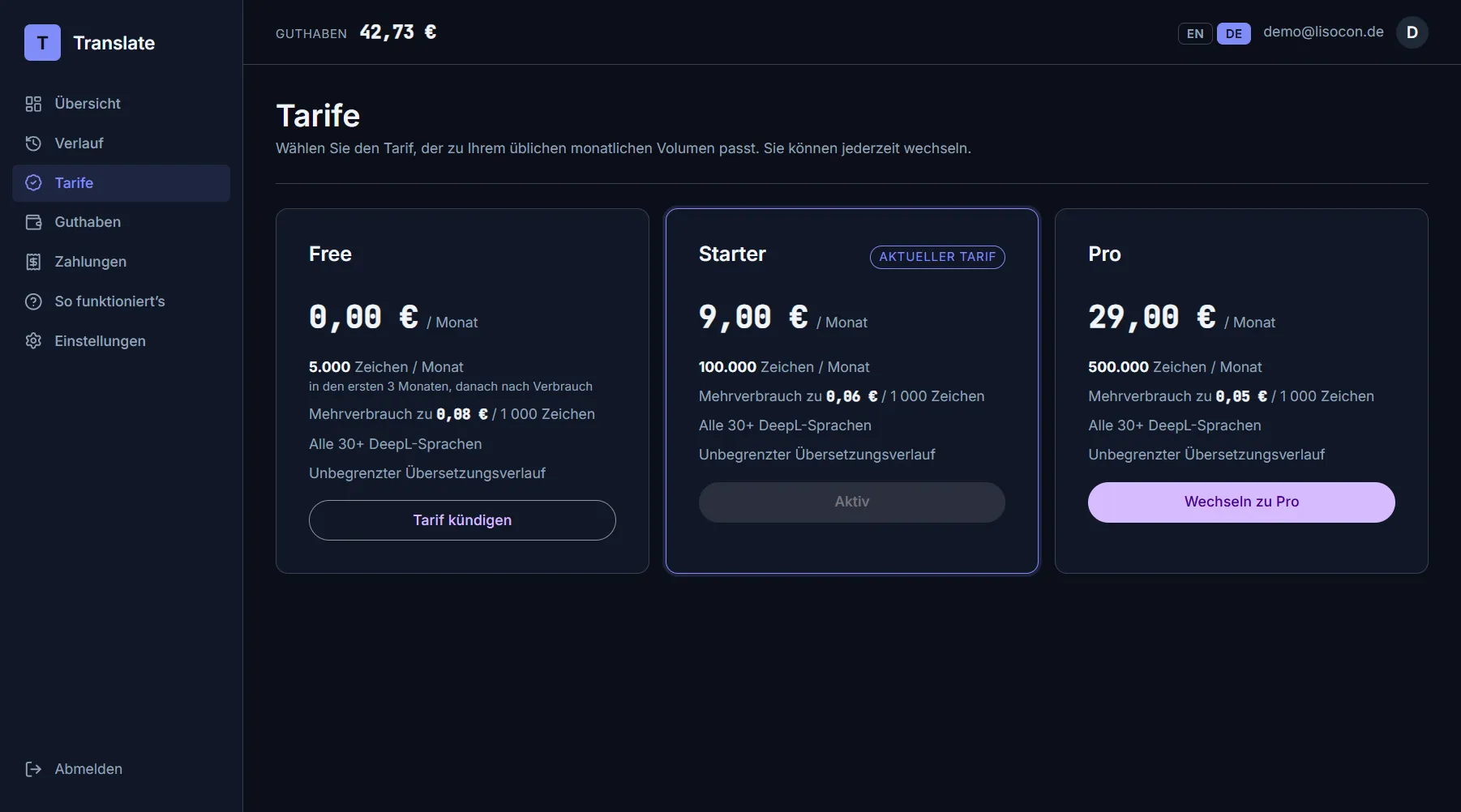
The three plans; the current one is marked.
| Plan | Monthly | Included quota | Overflow |
|---|---|---|---|
| Free | €0.00 | 5 000 characters / month ¹ | €0.08 / 1 000 characters |
| Starter | €9.00 | 100 000 characters / month | €0.06 / 1 000 characters |
| Pro | €29.00 | 500 000 characters / month | €0.05 / 1 000 characters |
¹ The Free plan is a trial, not a permanent tier: the free quota of 5 000 characters is available during the first three 30-day periods after registration. After that the account stays fully usable, but the quota is 0 — every character is then paid from the wallet at the Free rate. The end date is shown on the dashboard. Switching to a paid plan and back does not extend that period.
Changing plan goes through Stripe’s payment page. Once the payment succeeds the new plan is active immediately; any previous subscription is ended automatically, so two subscriptions are never billed at once.
While a cancellation is pending, no plan change is possible — the current plan is seen through to its end first.
Wallet
The wallet is your prepaid account for everything beyond the monthly quota.
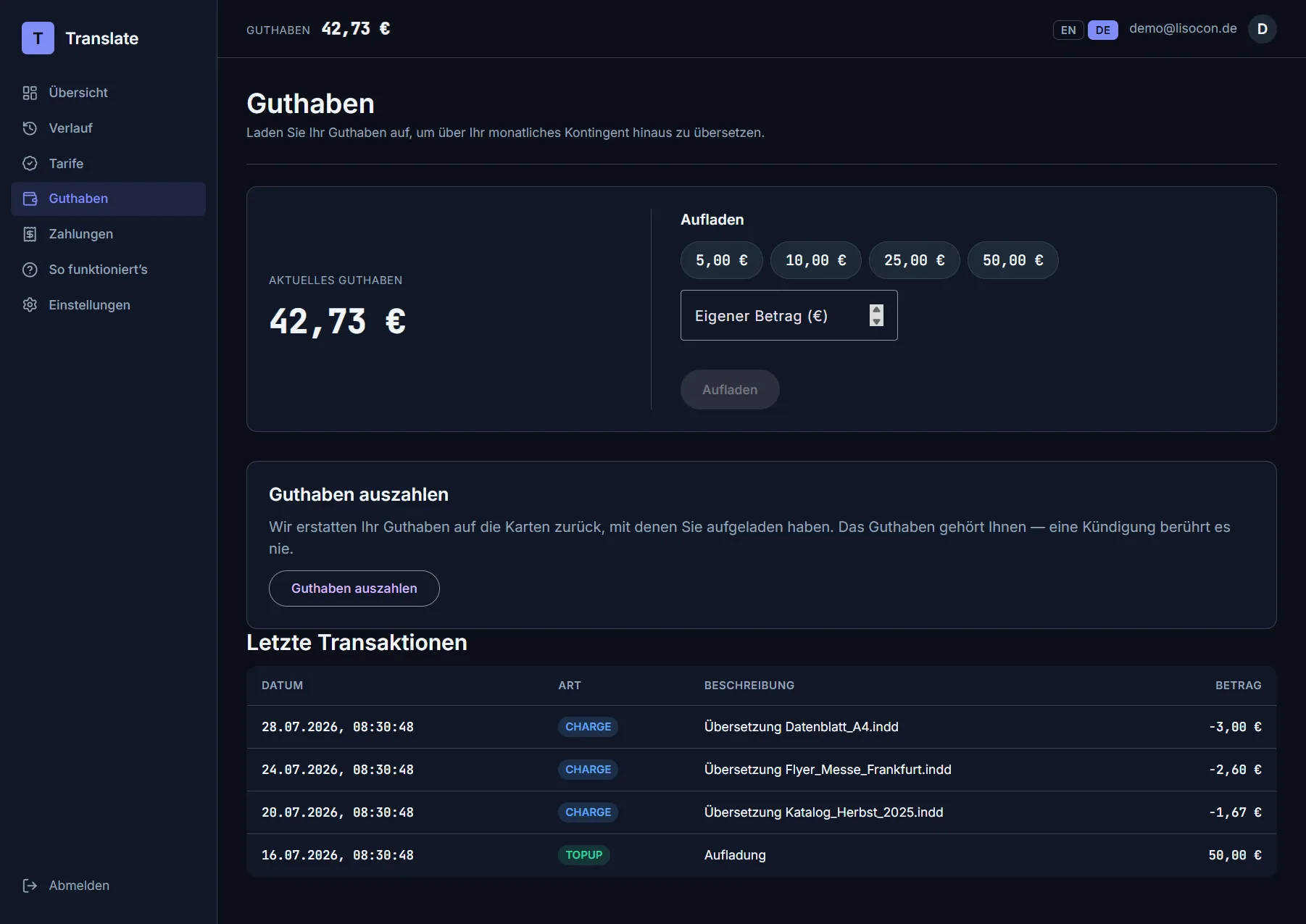
Top up, pay out, and the most recent entries.
Topping up
Pick one of the amounts (€5, €10, €25, €50) or enter your own under Custom amount (at least €1) and click Top up. The payment goes through Stripe. After a successful payment the balance is usually credited within seconds; the page updates itself.
Paying out
Pay out balance refunds your entire balance to the cards you topped up with — most recent top-up first.
- The refund usually reaches the card within a few working days.
- Anything that cannot be refunded automatically (a very old payment, for instance) stays in your wallet and remains yours.
- Only one payout can be in flight at a time.
- Cancelling a plan does not touch your wallet — it stays yours.
Entries
The Recent transactions table lists every movement: topup, charge (for a
translation), refund (a payout) and corrections. The sum of all entries always
equals your balance exactly.
Payments
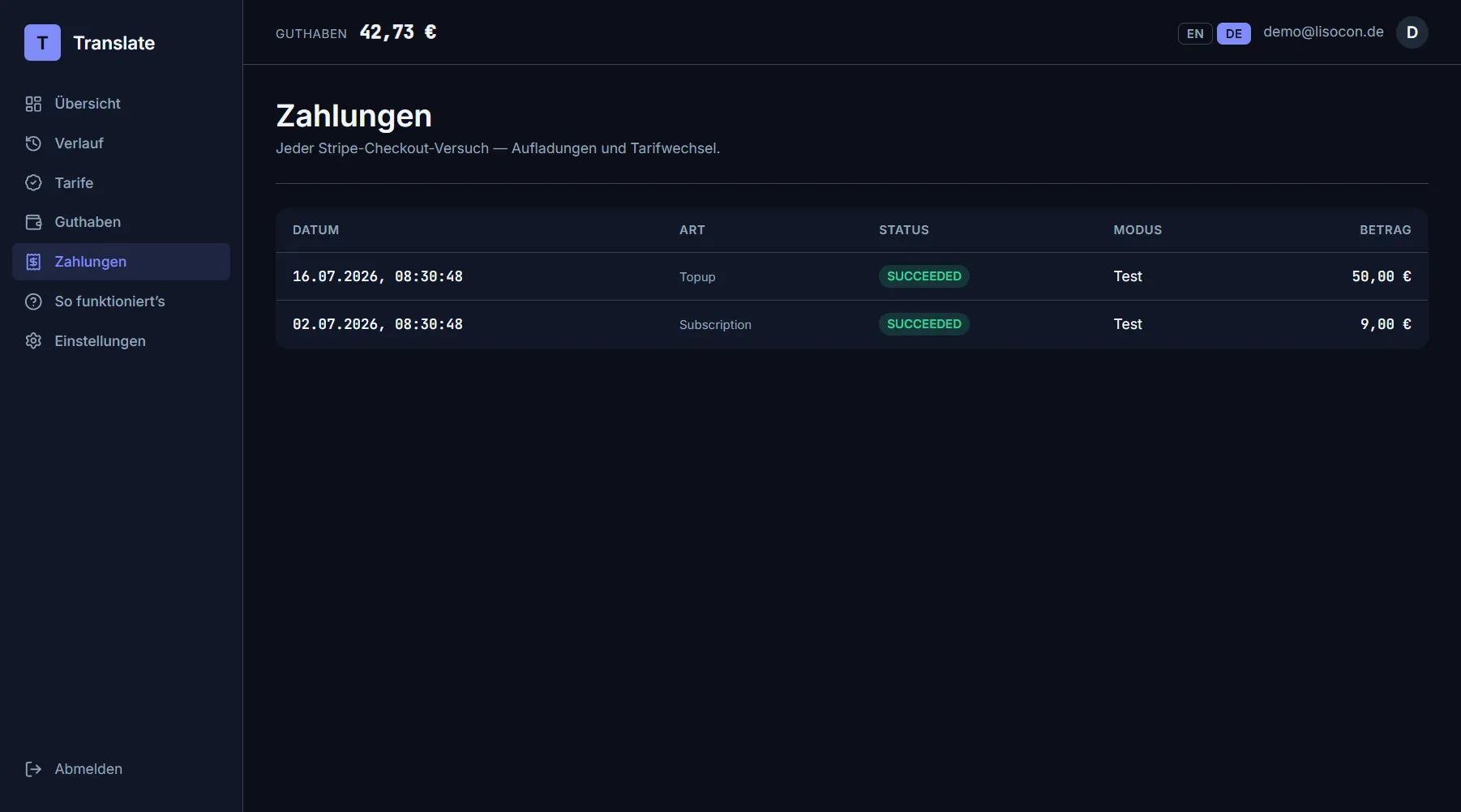
Every payment: top-ups and plan changes with date, kind, status and amount.
Translation history
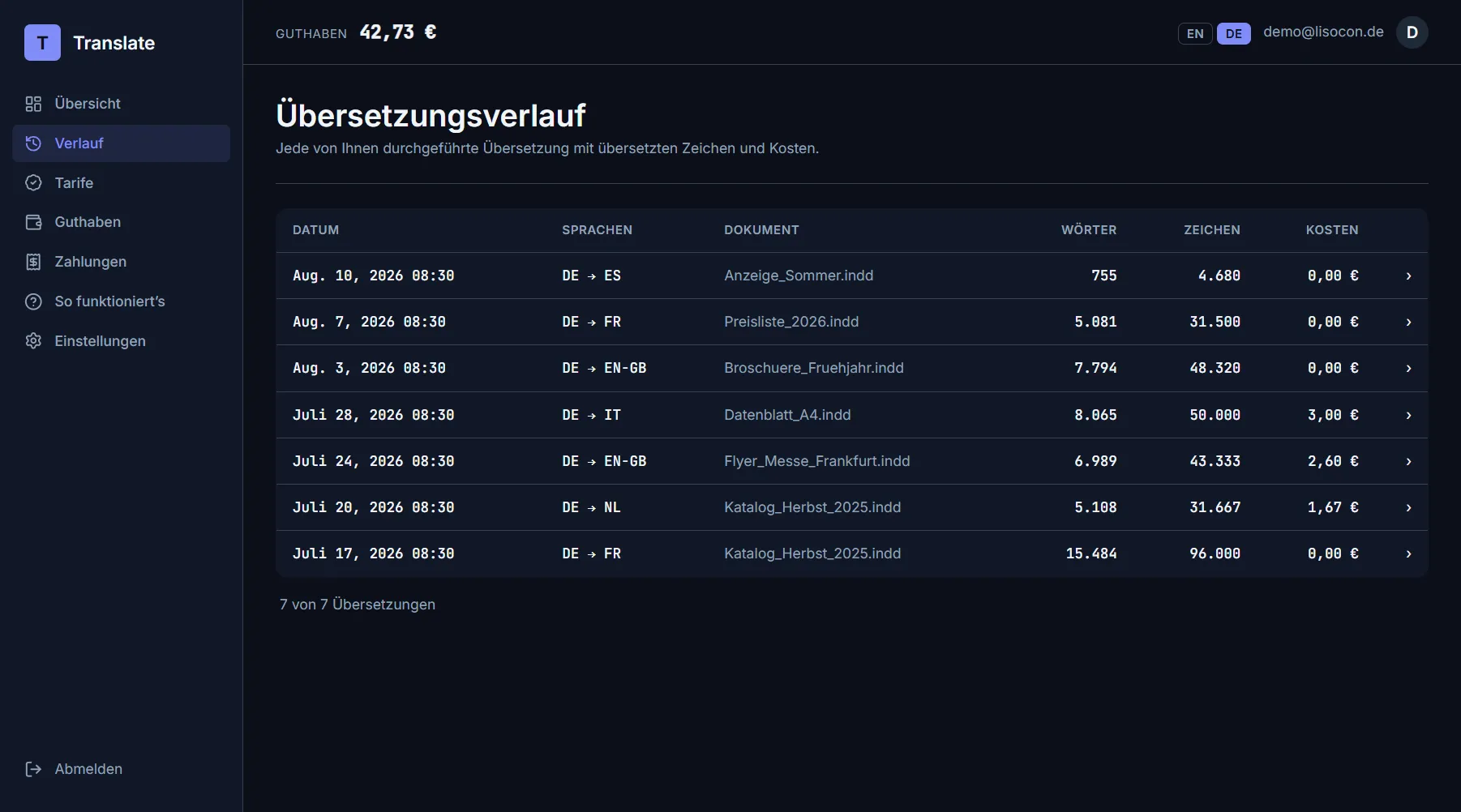
Every translation you have run.
Each row names the date, the language pair, the document name, words, characters and cost. Clicking a row opens the details.
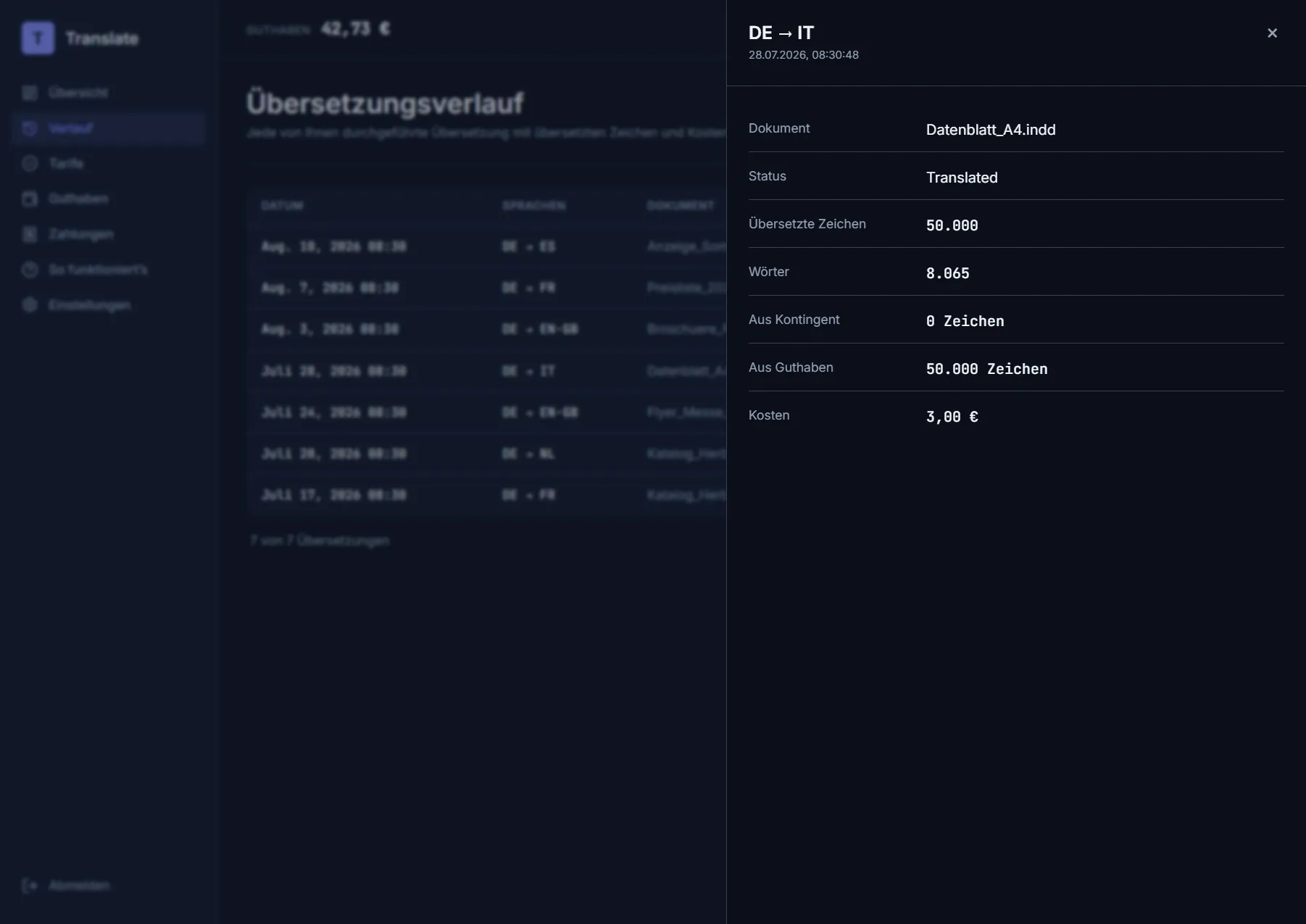
Breakdown of a run: how many characters were paid from the quota and how many from the wallet.
Privacy: only these figures are stored — language pair, document name, character and word counts, cost and status. Neither your source text nor the translation is kept.
Settings
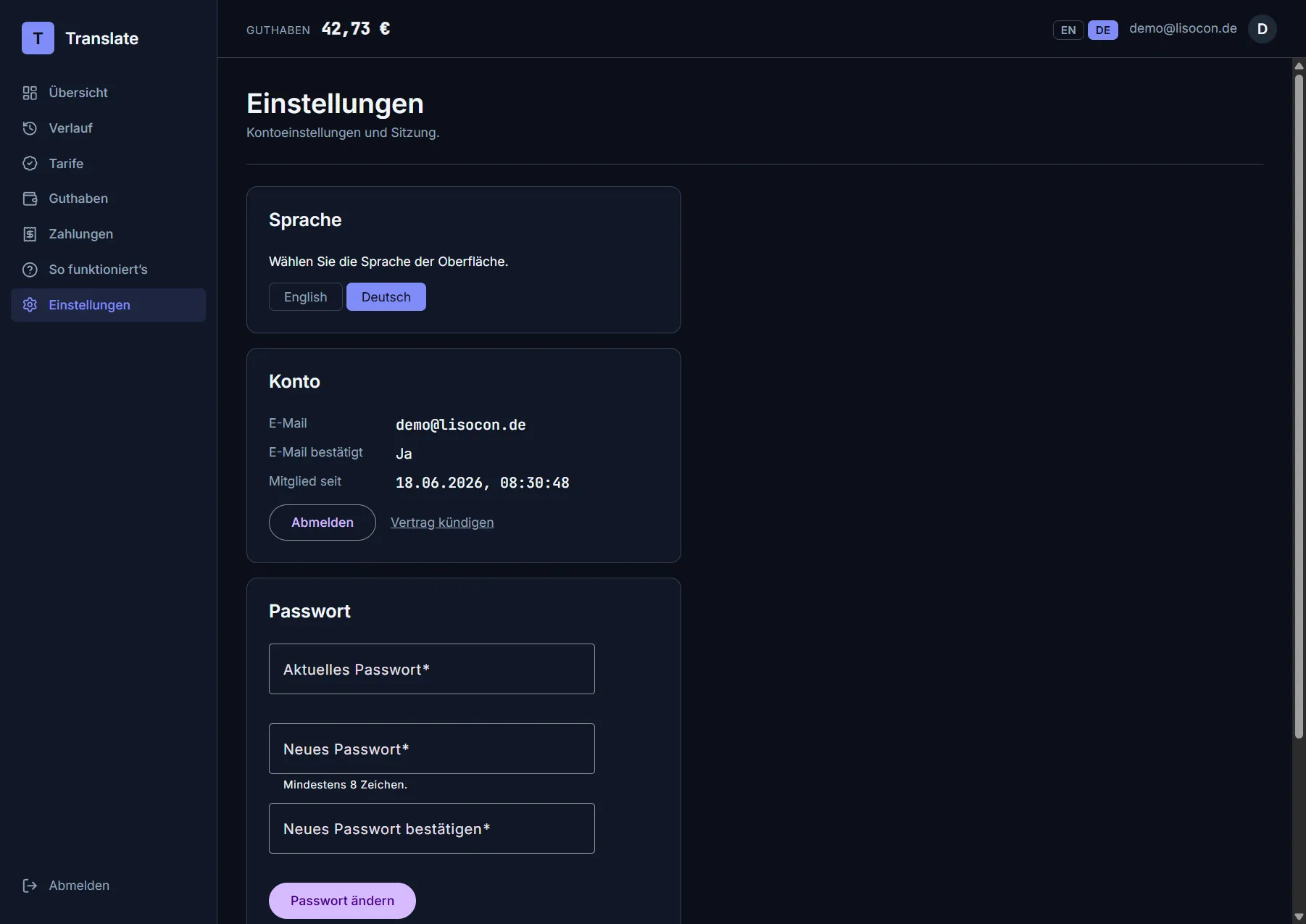
Interface language, account details and password change.
- Language — German or English. The choice applies to this device and is remembered. On a first visit the interface follows your browser’s language.
- Account — email address, confirmation status, member since; Sign out and Cancel contract are here too.
- Password — to change it, enter your current password and the new one twice. In the rare case that your account has no password set, you can have a link sent here to set one.
Deleting your account
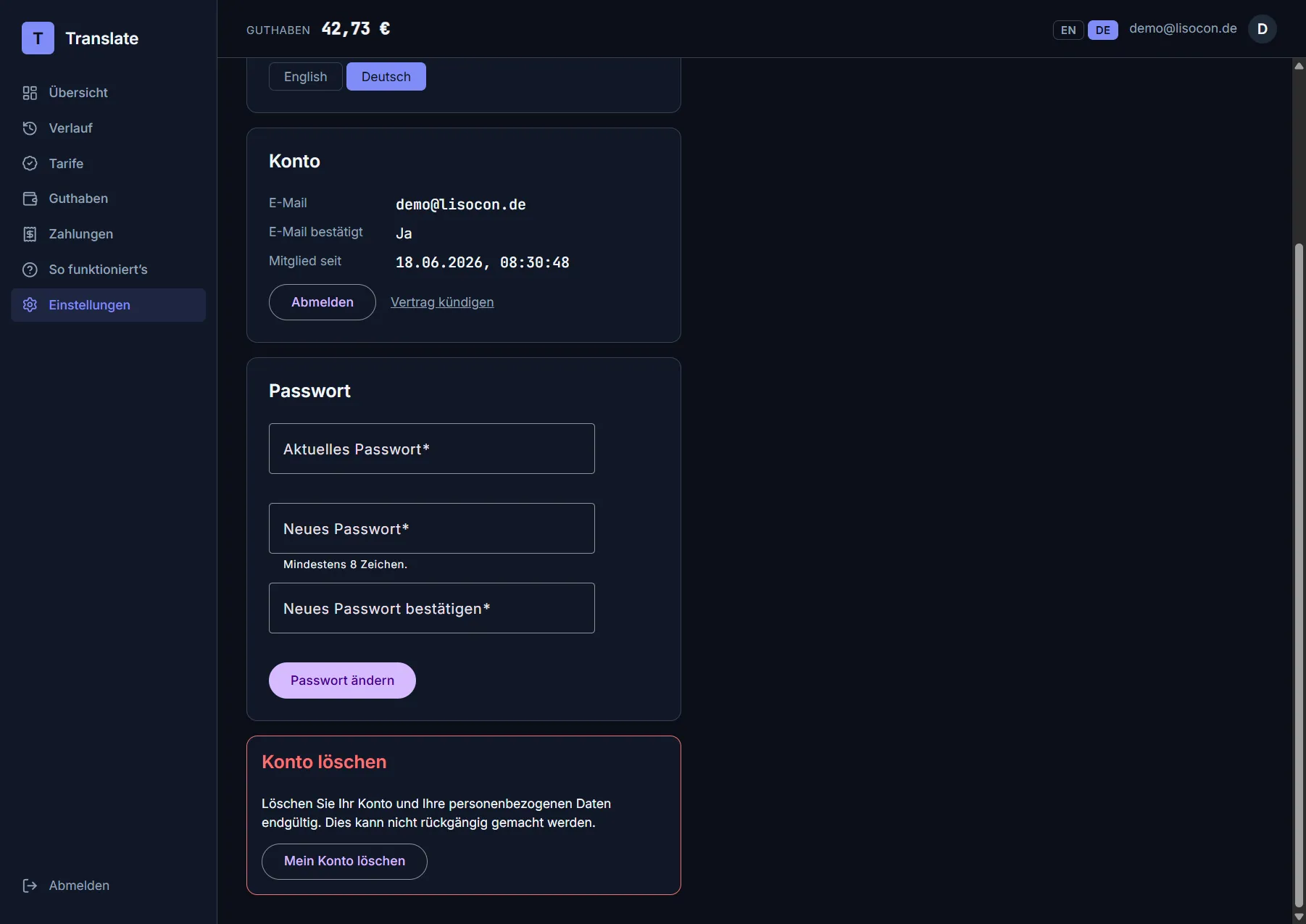
Deletion is final and is confirmed with the account password.
Worth knowing:
- A paid plan ends immediately; the remaining paid days are not refunded.
- While you hold a balance, deletion is blocked. Have it paid out first — or explicitly forfeit it.
- Payment records are kept for as long as tax law requires, but without a link to your name. Payments handled by Stripe additionally remain in Stripe’s own records.
- You receive a confirmation by email. The address that frees up can be registered again later.
Cancelling a contract
The cancellation page is reachable without signing in, through the “Cancel contracts here” link in the website’s footer (§ 312k BGB).
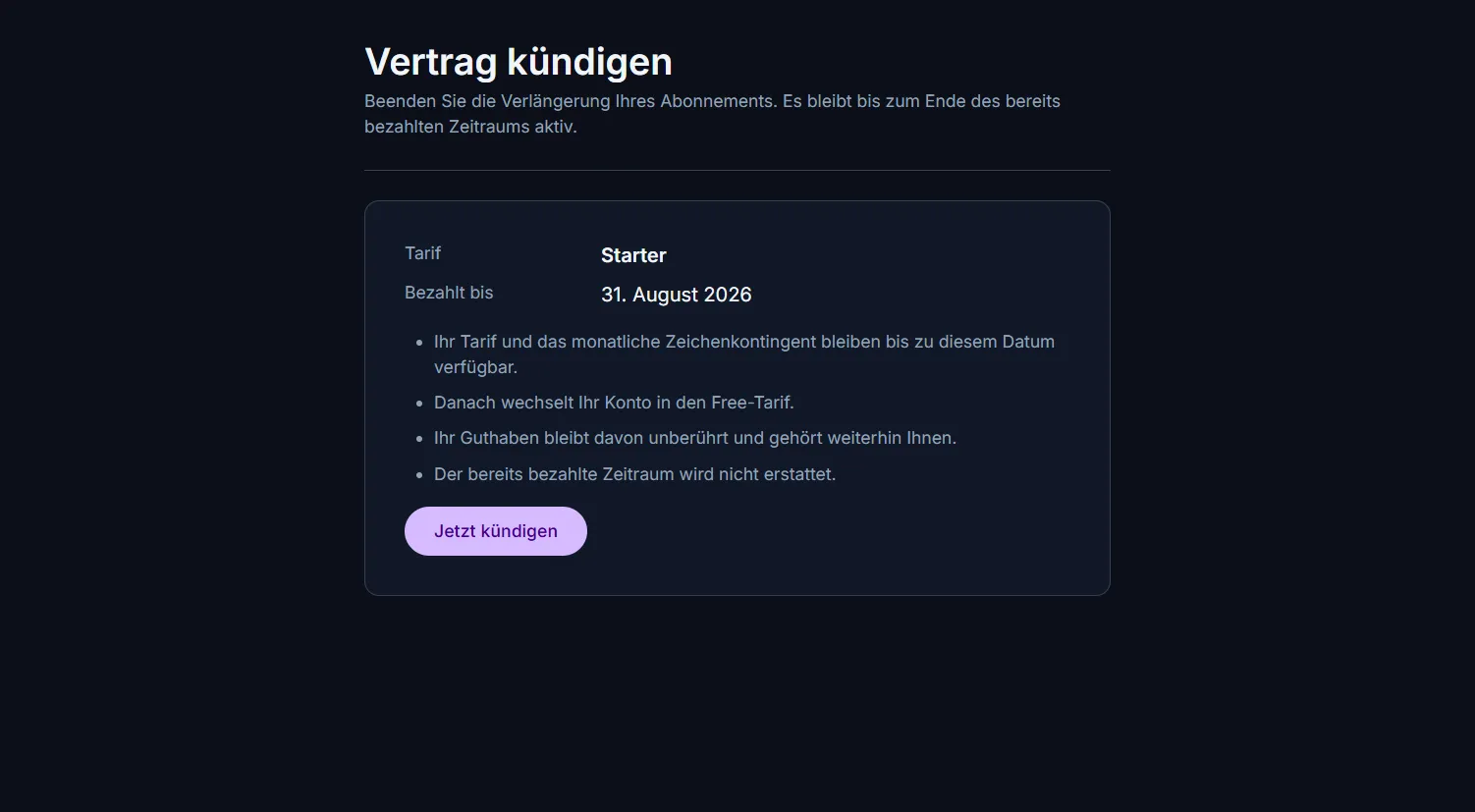
Cancellation with the “Cancel now” button the law prescribes.
After clicking Cancel now:
- Your plan stays active with its full quota until the end of the period you already paid for; the date is shown to you.
- You receive a written confirmation by email with the date of the cancellation and the end date of the contract.
- After that your account moves to the Free plan (without a new free quota).
- Your wallet is left untouched.
- The period already paid for is not refunded.
- Taking a cancellation back is not provided for — you can subscribe again at any time once it has run out.
How it works / downloading the plugin
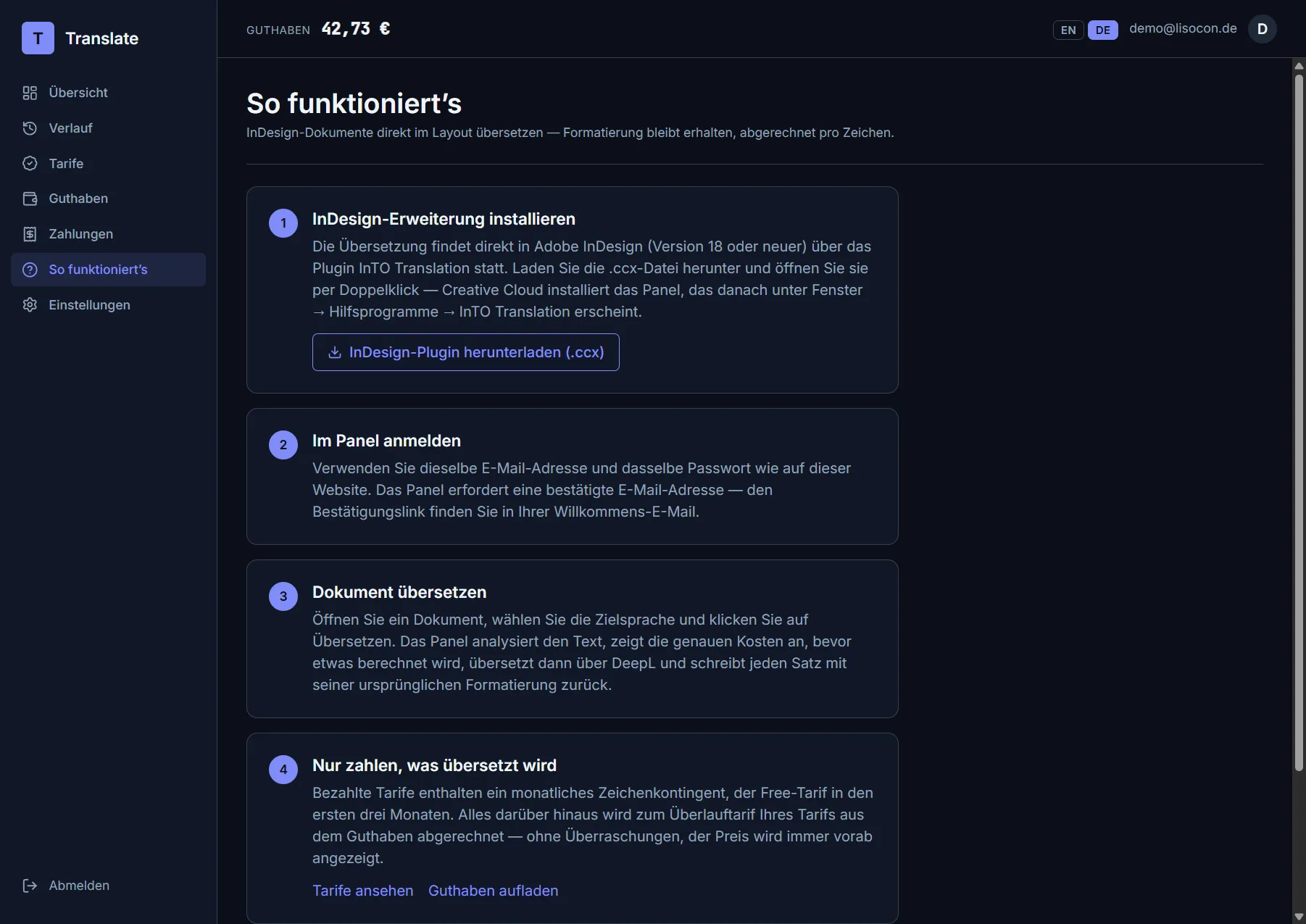
A short walkthrough and the plugin download.
The Download the InDesign plugin (.ccx) button delivers the current version of the installer. What to do with it is the next chapter.
Last updated: August 2026